

Instagram Reels are no longer just for influencers. In 2026, almost everyone — creators, students, businesses, gamers, vloggers, and even small shop owners — is using Reels to grow online. But after using Instagram consistently for a long time, I realized one important thing:
Good content alone is not enough anymore.
The way you edit your reels matters a lot if you want better reach, watch time, and engagement. After trying many editing apps for my own Instagram content, I found some really useful apps that genuinely improved the quality of my videos. Some helped with transitions, some improved audio syncing, while others made short videos look more cinematic and professional.
In this article, I’m sharing the best Instagram Reel editing apps in 2026 that I personally found useful. These are not random recommendations copied from somewhere else. Most of these apps are trending among creators because they actually help in making engaging reels faster and easier.
If you are serious about growing on Instagram, these apps can definitely help.
Why Reel Editing Matters in 2026
Instagram’s algorithm has become smarter now. It promotes reels that:
- Keep users watching longer
- Have smooth editing
- Use trending effects properly
- Maintain good video quality
- Have engaging captions and audio sync
That means poor editing can reduce your reel performance even if your content idea is good.
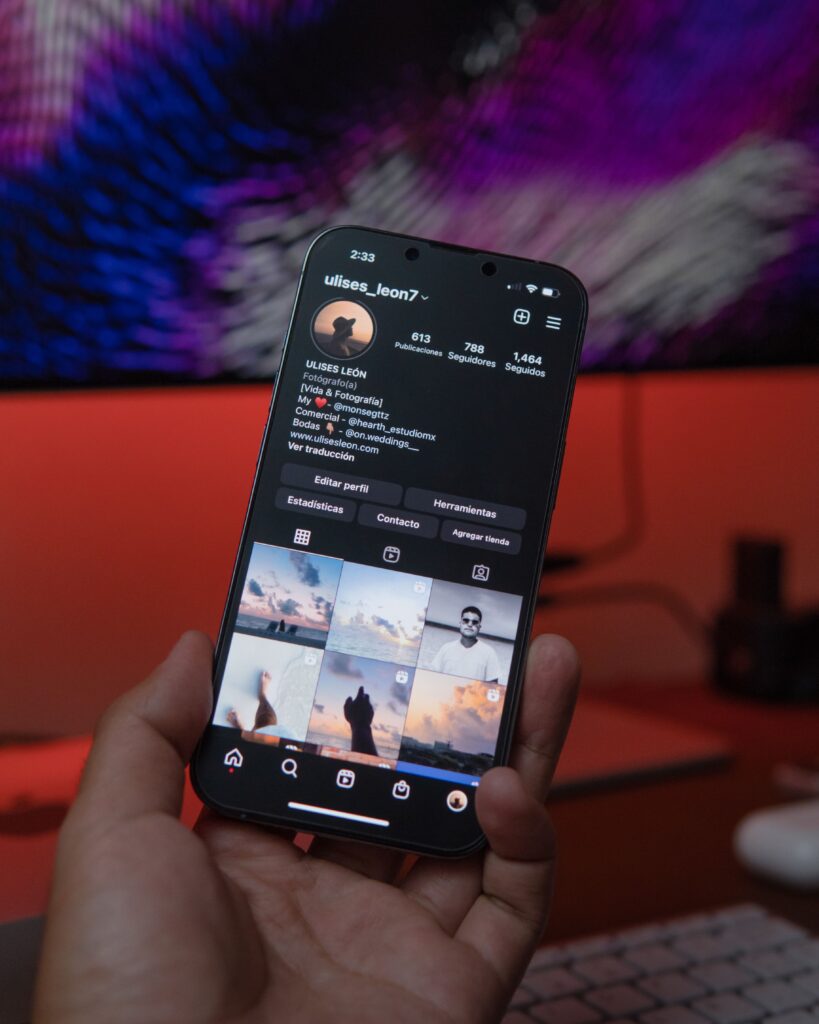
I noticed a clear difference in reach after improving editing quality. Better transitions, cleaner text animations, and proper audio cuts increased average watch time on my reels.
If you are trying to grow on Instagram, editing is something you cannot ignore anymore.
1. CapCut – Best Overall Reel Editing App
CapCut is currently the most popular reel editing app among creators, and after using it regularly, I can understand why.
The app is extremely beginner-friendly but still offers advanced editing features. Whether you want cinematic reels, travel edits, trending transitions, or motivational videos, CapCut can do almost everything.
Features I Personally Like
- Auto captions
- Trending templates
- Smooth transitions
- AI effects
- Auto beat sync
- Easy background removal
- 4K export support
One thing I noticed is that reels edited in CapCut often look more polished compared to basic Instagram editing.
The template feature is especially useful if you want fast editing for trending audio reels.
Best For
- Beginners
- Trending reels
- Travel videos
- Cinematic edits
- Fashion creators
2. VN Editor – Best Free Alternative to Premium Editors
VN Editor surprised me a lot. I initially downloaded it as a backup app, but later started using it regularly for clean professional edits.
Unlike many apps, VN does not aggressively push watermarks or paid subscriptions. The interface is clean, smooth, and perfect for creators who want more control over editing.
What Makes VN Good
- Multi-layer editing
- Professional timeline
- Smooth speed ramping
- No forced watermark
- Easy music syncing
- Lightweight app
If you create motivational content or storytelling reels, VN Editor works extremely well.
I personally liked its simplicity compared to heavy apps.
3. InShot – Best for Quick Instagram Reels
Sometimes you do not need heavy editing. You just want to quickly cut clips, add music, add text, and upload.
That is where InShot becomes useful.
I use InShot mainly when I want fast editing without wasting time on complicated timelines.
Best Features
- Easy trimming
- Instagram aspect ratio presets
- Filters and effects
- Quick text animation
- Fast export
InShot is perfect for daily content creators.
4. Adobe Premiere Rush – Best for Professional Creators
If you already use Adobe products, Premiere Rush is worth trying.
This app feels more professional compared to typical mobile editors. The color grading tools and audio controls are excellent.
However, beginners may find it slightly difficult initially.
Why Professionals Use It
- Better audio editing
- Advanced color correction
- Cloud sync
- High-quality export
- Desktop integration
This is ideal for creators who want YouTube-quality reels.
5. Canva – Best for Text-Based and Business Reels
Most people think Canva is only for graphics, but its video editing features have become surprisingly good in 2026.
I personally use Canva for:
- Quote reels
- Educational content
- Business promotions
- LinkedIn-style videos
- Text animations
The drag-and-drop interface makes editing extremely easy.
Canva is Best For
- Small businesses
- Coaches
- Educational creators
- Social media managers
6. KineMaster – Still Useful in 2026
KineMaster was one of the earliest powerful mobile editing apps, and it is still useful today.
The app gives strong control over editing layers and effects.
Features
- Chroma key
- Audio mixing
- Advanced transitions
- Animation layers
- Speed control
It works well for gaming edits and advanced transitions.
Which Reel Editing App Do I Recommend Most?
After testing many apps, my top recommendations are:
Best Overall
CapCut
Best Lightweight Editor
VN Editor
Best Quick Editing App
InShot
Best Professional Editing
Adobe Premiere Rush
Best for Business Content
Canva
Honestly, the best app depends on your content style.
For trending reels and viral edits, CapCut is difficult to beat right now.
Tips That Helped Me Improve Reel Reach
Apart from editing apps, these things also improved my reel performance:
Use Trending Audio Early
Using trending sounds quickly can improve discoverability.
Keep Reels Short
Shorter reels often get better completion rates.
Use Captions
Captions improve watch time because many users watch without sound.
Hook Viewers in First 3 Seconds
The first few seconds decide whether users continue watching.
Upload in High Quality
Avoid compressed exports.
Best Export Settings for Instagram Reels
These settings gave me better video quality:
- Resolution: 1080×1920
- FPS: 30 or 60
- Format: MP4
- High bitrate export
Poor export settings can ruin even good editing.
How to Get Samsung Z Fold7 at the Lowest Price in Lucknow (2026 Ultimate Buying Guide)
Final Thoughts
Instagram Reels are becoming more competitive every year, but good editing can still make a huge difference.
After personally testing many apps, I realized that you do not need expensive software to create engaging reels. Even free apps like CapCut, VN Editor, and InShot are powerful enough for most creators.
The key is consistency and learning how viewers react to different editing styles.
If you are serious about growing your Instagram page in 2026, start experimenting with these reel editing apps and see which style works best for your audience.
 20
20
 620
620
 20
20
Hi, I’m Vivek Mishra, Founder of TheTechFace. I am a Civil Engineer and digital content creator with a B.Tech from SRM University (2013) and an MBA (2023). My passion for technology and blogging began during my college years, leading me to create several websites and online platforms.
With over a decade of experience in both engineering and blogging, I write about Technology, AI, Gadgets, Cricket, Civil Engineering, Business, SEO, and digital trends. Through TheTechFace, my goal is to share practical, informative, and easy-to-understand content that helps readers stay informed and make better decisions in a rapidly evolving digital world.
